Introduction
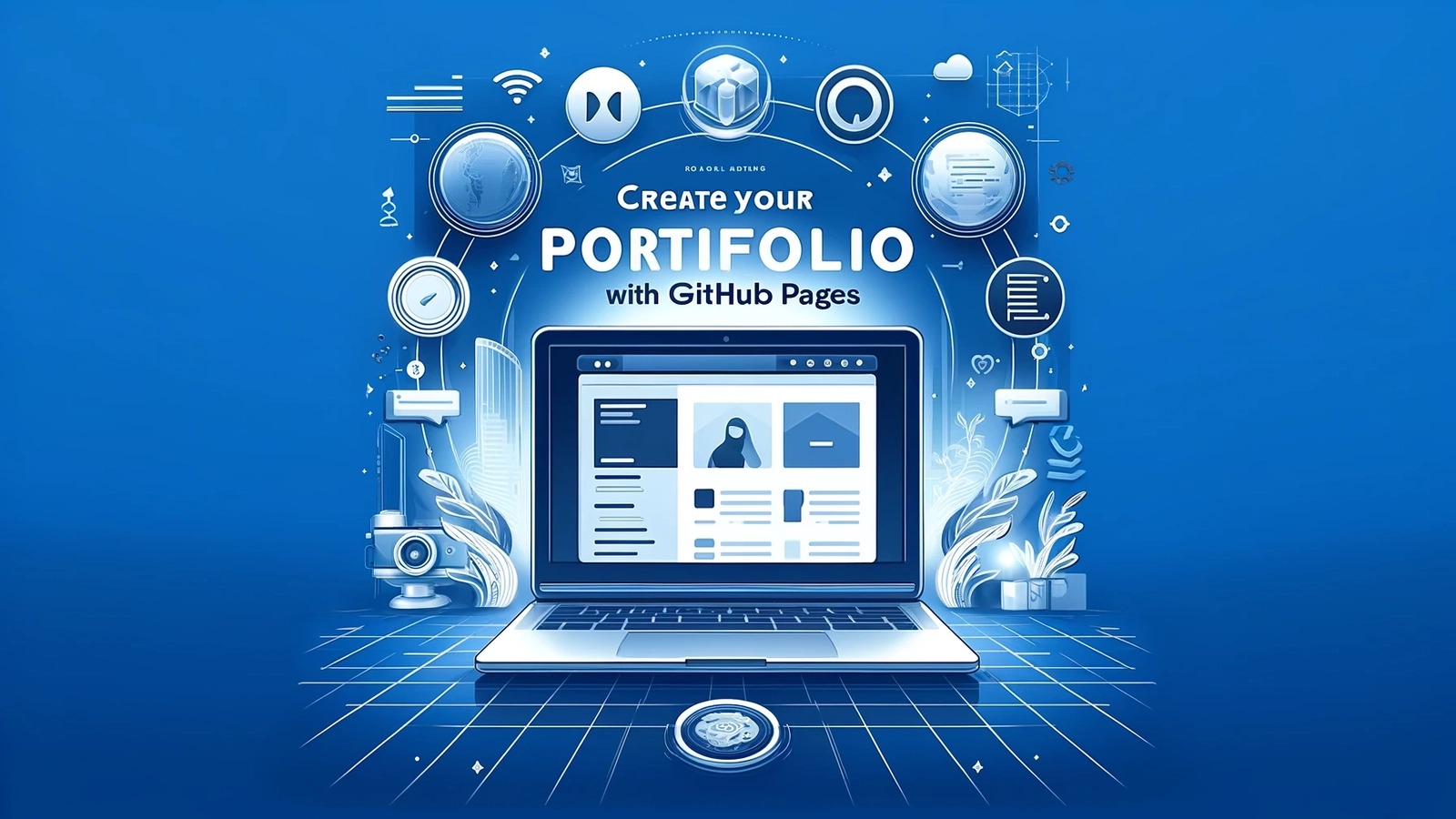
In today’s digital world, having a strong online presence is no longer optional. Whether you are a student, freelancer, or a professional, your work online represents you to the world. GitHub and personal portfolios are two of the most important tools to showcase your skills, projects, and achievements. A well-crafted GitHub profile or portfolio can help you get noticed by employers, clients, and collaborators. In this article, we will discuss how to build a strong GitHub or portfolio presence step by step.
Why a Strong GitHub or Portfolio Matters?
Before learning how to build a strong profile, it is important to understand why it matters. Many recruiters and clients now check online profiles before offering opportunities.
- Showcase Your Skills
Your GitHub or portfolio acts as a living resume. It displays your skills in coding, design, or any field you work in. By presenting real projects, you prove your ability rather than just claiming it on paper. - Build Credibility
Having a professional online presence builds trust. Employers can see that you take your work seriously and have practical experience. - Stand Out from Others
Many candidates have similar qualifications. A strong portfolio or GitHub profile can make you stand out by showing what you can actually do. - Opportunities for Collaboration
A visible online presence can attract collaborators, mentors, and other professionals who can help you grow.
Steps to Build a Strong GitHub Presence
GitHub is a platform widely used by developers to share and manage code. But it is also becoming a place where employers and clients look for talent.
1. Create a Complete and Professional GitHub Profile
Your GitHub profile is like your digital identity. Follow these steps:
- Use a Professional Photo: A clear, professional photo helps create a good first impression.
- Write a Strong Bio: Include your current role, skills, and interests. For example: “Frontend developer | JavaScript, React | Open-source enthusiast.”
- Add Contact Information: Provide your email or links to LinkedIn or portfolio so people can reach you.
2. Organize Your Repositories
Repositories are where your projects live. A messy GitHub can confuse visitors. Organize your repositories like this:
- Use Clear Names: Give meaningful names to repositories like “Weather-App” instead of “Project1.”
- Write Descriptions: Add a short description for every repository so visitors know what it is about.
- Pin Your Best Projects: GitHub allows you to pin repositories. Choose your best projects to highlight.
3. Write Quality README Files
A README file explains your project to others. A strong README increases your credibility:
- Project Overview: Explain what the project does in simple words.
- Installation Instructions: Provide steps to run the project.
- Technologies Used: List all programming languages, frameworks, and tools.
- Usage and Examples: Show examples of how the project works.
- Future Improvements: Mention features you plan to add.
4. Show Consistent Contributions
GitHub tracks your activity. A profile with regular contributions looks active and engaged.
- Contribute to Open Source: Even small contributions like fixing bugs or adding documentation matter.
- Commit Regularly: Daily or weekly commits show consistency.
- Work on Small Projects: Regular small projects are better than one big project.
5. Focus on Quality Over Quantity
It’s better to have a few well-crafted projects than many incomplete ones. Make sure your projects:
- Work properly without errors.
- Have clean and readable code.
- Include comments and explanations for clarity.
6. Learn GitHub Best Practices
A strong GitHub profile also shows your understanding of Git:
- Use proper commit messages.
- Create separate branches for new features.
- Use pull requests and merge properly.
Steps to Build a Strong Personal Portfolio
While GitHub is mainly for developers, a personal portfolio can showcase any skill, from writing and design to marketing and photography.
1. Choose the Right Platform
You can build a portfolio using:
- Website Builders: Wix, WordPress, Squarespace
- Code Your Own: For developers, HTML/CSS/JS or frameworks like React
- Portfolio Platforms: Behance, Dribbble, Medium
Choose a platform that fits your style and skills.
2. Create a Professional Layout
Your portfolio should be easy to navigate and visually appealing.
- Home Page: Brief introduction and professional photo.
- About Page: Share your story, skills, and goals.
- Projects Page: Show your work with images, links, and descriptions.
- Contact Page: Provide multiple ways to contact you.
3. Showcase Your Best Work
Choose projects that highlight your strengths:
- Highlight Skills: Show work relevant to your desired role.
- Explain Each Project: Mention challenges, solutions, and results.
- Use Visuals: Screenshots, diagrams, or videos make your portfolio attractive.
4. Include Testimonials or References
Testimonials from clients, teachers, or colleagues add credibility. Even a short quote like, “Great problem solver and communicator,” can make a difference.
5. Keep it Updated
A portfolio is not a one-time task. Regularly add new projects, skills, and achievements. An updated portfolio shows that you are active and improving.
Additional Tips for Both GitHub and Portfolio
1. Personal Branding
Think of your GitHub and portfolio as part of your personal brand:
- Consistent Style: Use consistent colors, fonts, and tone.
- Professional Username: Choose a simple username like your name or initials.
- Link All Profiles: Link GitHub, portfolio, LinkedIn, and email.
2. Focus on Problem-Solving Projects
Employers like to see how you approach problems. Include projects that show:
- How you solved a real-world problem.
- Challenges you faced and how you overcame them.
- Creative or innovative solutions.
3. Learn from Others
Explore top GitHub profiles and portfolios in your field. Notice:
- How they structure repositories.
- How they write project descriptions.
- The type of projects they showcase.
4. Share Your Work
Having a portfolio or GitHub is not enough. Promote your work:
- Share links on LinkedIn, Twitter, or personal blog.
- Include portfolio link in your resume or email signature.
- Engage in communities relevant to your field.
5. Improve Soft Skills
Your online presence also reflects your communication skills. Write clear explanations, organize your work, and respond politely to comments or contributions.
You can also read “Why job seekers should focus on portfolio quality”.
Common Mistakes to Avoid in building a strong GitHub or portfolio presence
- Incomplete Profiles: Missing bio, photo, or contact info makes you look inactive.
- Unorganized Repositories or Projects: Hard-to-navigate profiles discourage visitors.
- Outdated Work: Old projects with no updates may give a wrong impression.
- Low-Quality Projects: Projects with errors or poor design can harm your credibility.
- Ignoring Community: Not engaging in open-source or professional communities reduces visibility.
Conclusion
Building a strong GitHub or portfolio presence is a combination of skill, consistency, and presentation. Whether you are a developer, designer, writer, or freelancer, your online presence is a powerful tool to showcase your abilities. Focus on quality, stay consistent, and keep improving your profile. Remember, your GitHub and portfolio are not just about showing work—they are about telling a story of your growth, skills, and professional journey.
With the right approach, your GitHub or portfolio can help you land job opportunities, freelance projects, collaborations, and recognition in your field. Start today, and gradually you will see your online presence open doors to new possibilities.
You can read more more career related blogs with the Best Job Tool.
Leave a Reply