Introduction: Building Dashboards
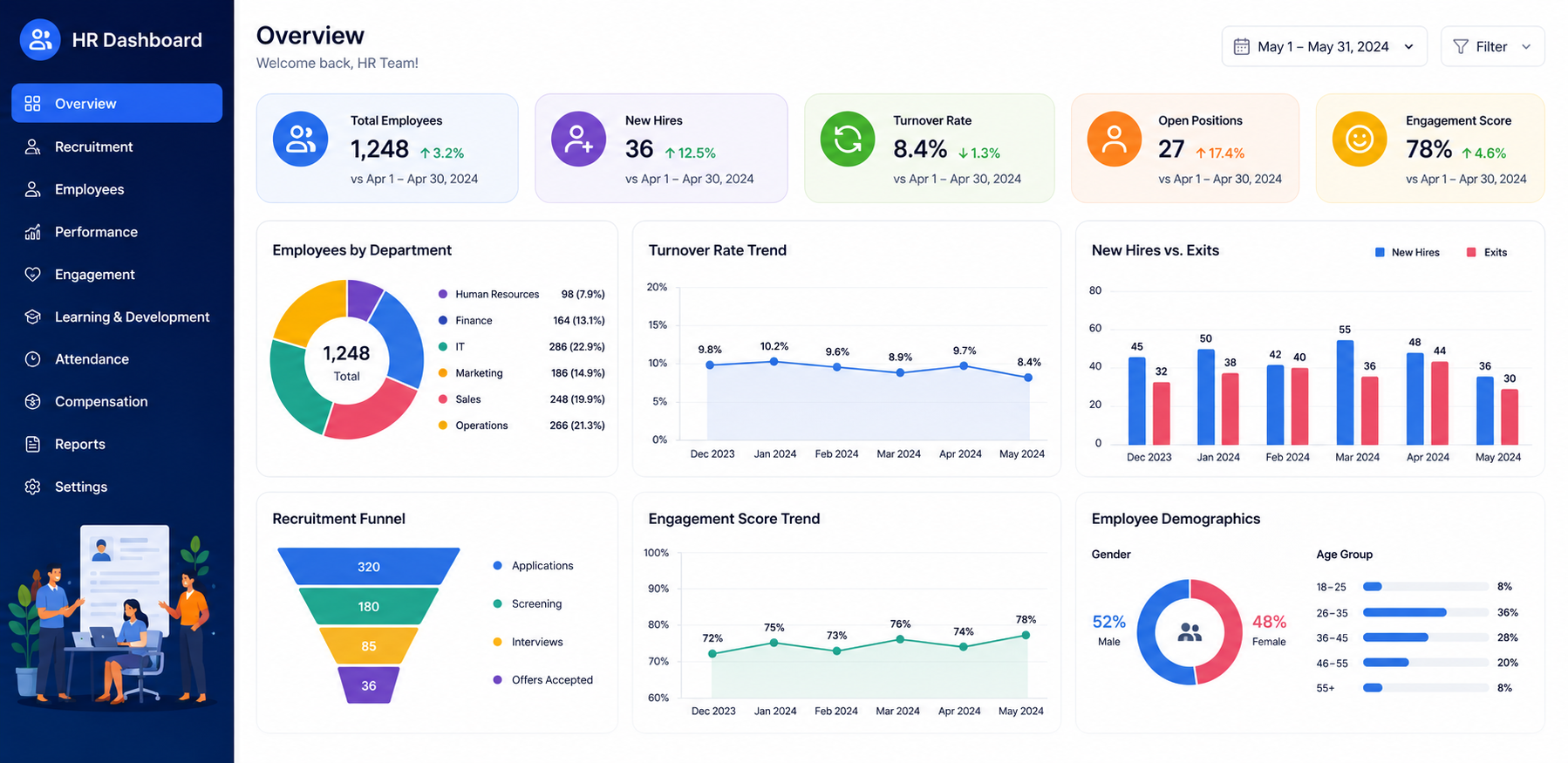
An HR dashboard is a visual tool that displays HR metrics and key performance indicators (KPIs) in one place. It helps HR professionals, managers, and business leaders easily understand and manage data.
An HR dashboard is very important in the recruitment process because many candidates apply for the same job role. Recruiters collect and manage a large amount of candidate and employee data every day. Without an HR dashboard, it can become difficult to organize this information, which may create confusion and make the recruitment process more complex.
A good HR dashboard converts complex data into a simple and easy-to-understand format. This helps HR professionals make better hiring decisions and select the right candidates. That is why it is important to build a well-designed dashboard.
In this article, we will explore some of the best tips for building dashboard that helps HR teams make better decisions.
Building Dashboards That Help HR Make Better Decisions
1. Start with Clear Business Goals
The first effective tip is to start with clear business goals. Before building dashboards, you should understand what information HR professionals want to get from it. When the purpose of the dashboard is clear, it becomes easier to focus on the most important data instead of including irrelevant information that may create confusion.
Identify the questions that HR leaders want answered. For example:
- Which department has the highest employee turnover?
- How long does it take to fill open positions?
- How engaged are employees at work?
- Are employees leaving the company too often?
Answering these questions will help you design a dashboard that provides useful insights and supports better decision-making.
2. Identify the Most Important HR Metrics
There are many metrics used in a company’s hiring process. An HR dashboard is created to make the recruitment process simpler and easier to manage. However, if you include every metric in the dashboard, it can become crowded and confusing, reducing its usefulness.
That is why it is important to identify the most important HR metrics to include in the dashboard.
There are many metrics available, but you should choose only those that provide valuable information to HR professionals. Focus on the metrics that help improve hiring decisions and make the recruitment process smoother, faster, and more effective.
3. Keep the Dashboard Simple
A well-designed HR dashboard does not mean using complex words, fancy layouts, or too many charts. In fact, these things can make the dashboard more complicated and harder to understand.
That is why you should keep your HR dashboard simple. A simple dashboard makes information easier to read and understand. It helps HR professionals quickly find the insights they need and supports a smoother hiring process.
While creating an HR dashboard:
- Use a simple and clean layout.
- Avoid unnecessary charts and visuals.
- Highlight the most important metrics.
- Use clear labels and headings.
- Make the dashboard easy to read and understand.
A simple and organized dashboard is often more effective than a complex one.
4. Use the Right Visualizations
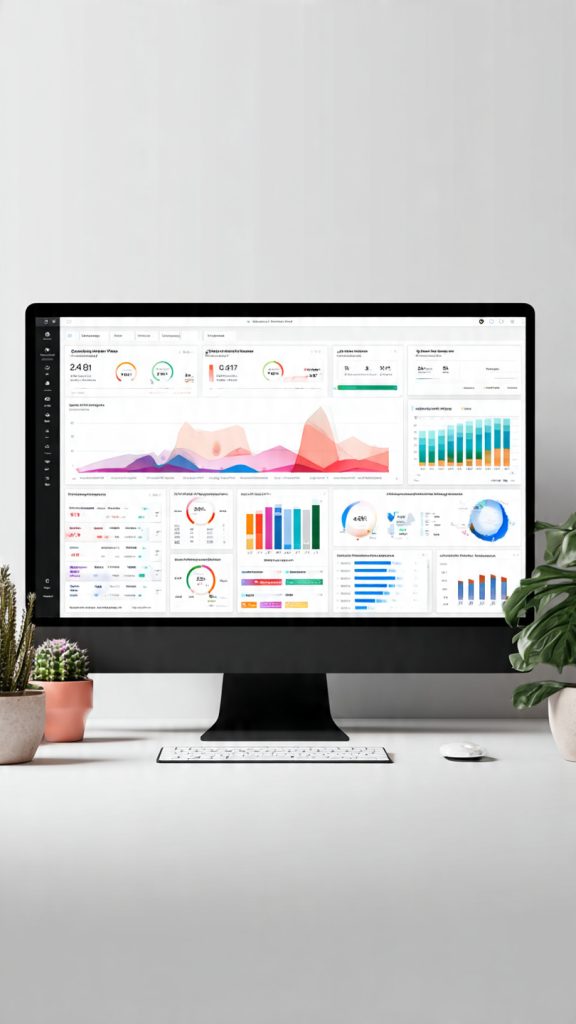
One of the most effective ways to create a better HR dashboard is to use the right visualizations.
A large amount of data is collected during the hiring process, so it is important to present that data in a clear and organized way. Charts and graphs can help HR professionals understand information more quickly and make the hiring process easier and smoother.
However, it is important to remember that not every type of data needs a chart. If you use charts for everything, the dashboard may become crowded and complicated. Instead, choose visualizations based on the type of information you want to show.
For example:
- Use bar charts to show employee turnover by department.
- Use line charts to track monthly turnover rates.
- Use pie charts to display hiring source distribution.
- Use tables for detailed employee records and data.
When you select the right chart for the right type of information, the dashboard becomes easier to understand and more useful for HR professionals.
5. Make Data Easy to Filter
Making data easy to filter is also very important when creating an HR dashboard.
Different people need different types of information from the same data. If your dashboard does not include filters, it can be difficult for users to find the specific information they need. That is why you should allow users to filter data based on different categories.
For example, users should be able to filter information by:
- Department
- Location
- Team
- Job level
- Employment type
When you add filters to an HR dashboard, HR professionals and other team members can quickly access the information that is most relevant to them. This saves time and makes the dashboard more useful and efficient.
Conclusion: Building Dashboards
HR dashboards have become essential tools for modern workforce management. They help organizations transform raw employee data into meaningful insights that support smarter decision-making. By focusing on clear goals, selecting the right metrics, using simple visualizations, and ensuring data accuracy, HR teams can create dashboards that truly drive business results.
The most effective HR dashboards do more than report information—they help leaders identify trends, solve problems, and make proactive decisions that improve employee experience and organizational performance. When designed thoughtfully, a dashboard becomes a powerful tool that enables HR to contribute strategically to business success.
“Great HR decisions start with the right data. Build dashboards that turn information into action and support smarter workforce planning with Best Job Tool.”


Leave a Reply