Introduction: Airtable
It can be overwhelming trying to keep track of which companies applied to, what conversations you had with whom, and when you should send your next follow-up message to get your dream job. Having a system in place to stay on top of all this information can make your life easier and more organized.
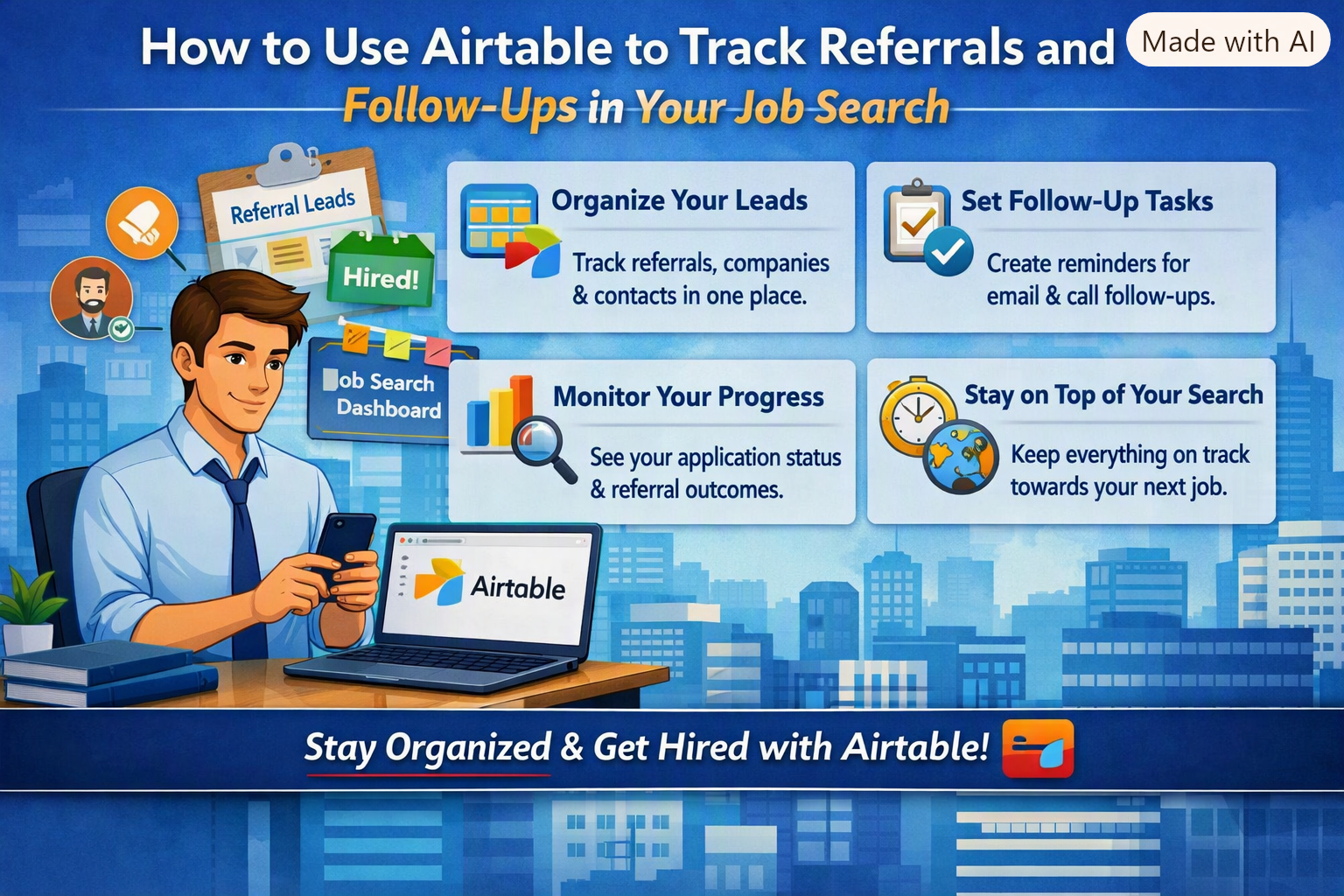
One tool that can help with that is Airtable. This database management system allows the user to use the convenience of a spreadsheet while also being able to organize and track different pieces of information in unique ways. How to Use Airtable to Track Referrals and Follow-Ups in Your Job Search is an extremely useful skill to have that can make the process of finding a job much more bearable.
How to Use Airtable to Track Referrals and Follow-Ups in Your Job Search?
1. Create a Job Search Base
Start by creating a base for your job search. This base can hold all of your job application related information. You can also create separate tables for job applications and professional contacts.
Create fields that will track job applications. For example, it will be helpful to know who is applying to what job, where is the job, and when the job was posted. Add fields such as Company, Title, Applied, Job link, Status, Location, Recruiter, Referral, and Next Follow-Up.
Once this information is tracked in an Airtable, it won’t be hard to come back to the information later.
2. Track Your Referrals
Referrals can be a great way to find a job, but they also require you to keep track of who sent you to whom.
In your referral field, you can track who sent you to a company, how you know them, their company, position, date of referral, and if you’ve thanked them already.
For example, if an old colleague sent you to a marketing company for a job opening, you can write down their name and the date of referral. Then, you can write down the date in the follow-up field for when you can send them a thank you message.
It’s very easy to forget about a referral that you were planning to talk to, and by setting a reminder date it won’t be easy for a conversation to slip away.
3. Add a Follow-Up Date
When you apply to a job, it’s good to send a friendly follow-up email about the status of your application, but it’s hard to remember to do that while applying to dozens of different companies. Adding a “Next Follow-Up” column will remind you about your most recent applications to any companies.
You can also add a “Last Contacted” field. This field will tell you how recently you talked to different recruiters and companies and will prevent you from forgetting a conversation unless you decide to end the conversation with an update of your status being “closed.”
You can add the following information:
Applied: September 10
Referred by: Rahul
Last contacted: September 12
Next follow-up: September 17
Status: Waiting for response
4. Use Statuses to Understand Your Progress
Airtable makes it possible to customize how you track your job search.
Make sure to have a variety of different status options to understand what stage of the application process your talking to any company is in. Status options can include “Interested,” “Applied,” “Referral Requested,” “Referral Received,” “Interview,” “Follow-Up Needed,” “Offer,” and “Closed.” You can change the status of your application as you update your job application and it makes it very easy to see what jobs you might need to update.
Avoid having too many status categories because it will be hard to keep track of them.
5. Create Different Views
Another great feature Airtable has is the option of creating different views.
Make a view for applications you need to follow up on, a view for interviews that you have coming up, and a view for when you need to schedule follow-up meetings. You can also create a calendar view to see the most important days of your job search. The calendar view will keep track of interviews, follow-up meetings, networking, and any other job search related events. Another view that will be helpful is a filtered view. A filtered view can be set up to only include job applications where the status is “Follow-Up Needed.” This view can be useful to see which applications you need to update without having to go through all your other applications.
6. Track Networking Contacts
It’s important to keep track of the people you meet while job searching and networking, especially if they provide you with job or internship opportunities directly.
Create a contact table and add fields such as Name, Company, Title, Relationship, Contact Date, Conversation, and Next Action. When talking to someone, write a short summary of what the conversation was about in the conversation field. For example, you can write “Suggest to ask hiring manager for an internship at their company” and it will remind you of the conversation as you go into your next conversation.
Conclusion: Airtable
Airtable can make your job search more organized by helping you track referrals, contacts, follow-ups, application status, and important deadlines in one place. By updating your records regularly and scheduling timely follow-ups, you can build stronger professional relationships without losing track of opportunities. With a clear and consistent system, Airtable can turn your job search into a more structured and manageable process.
Ready to organize your job search more effectively? Use Airtable to track referrals, manage follow-ups, and stay on top of every opportunity. Pair it with a best job tool platform to streamline your search and make your job-hunting process more efficient.




Leave a Reply